Pick the clips
A folder with the day's cards (subfolders included), or whatever you have selected in DaVinci: on the timeline or in the Media Pool.
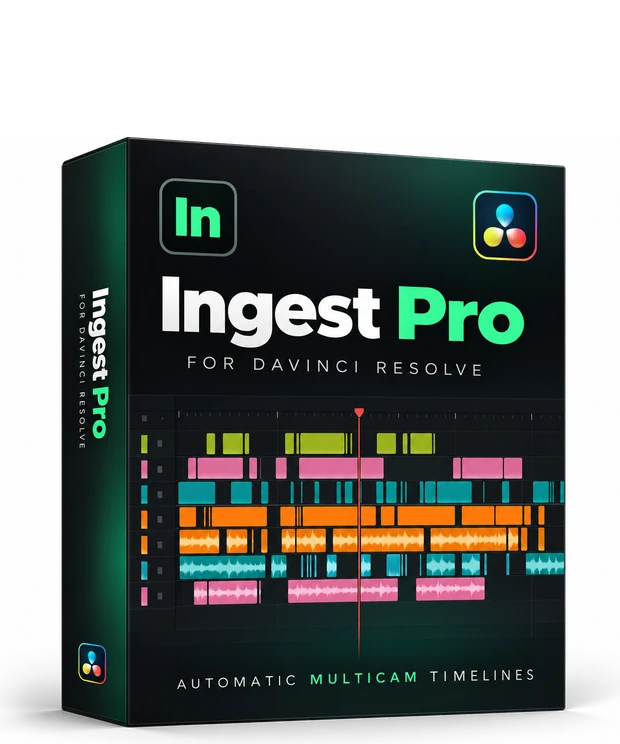
Ingest Pro Resolve builds the multicam timeline in your DaVinci Resolve Studio project: every camera on its own track and every clip at its real recording time, placed live in front of you.
Only for DaVinci Resolve Studio 20 or newer, the paid version
It does not work in the free version of DaVinci Resolve: Blackmagic only allows plugins in Studio.
Windows 10 and 11 · 14 days with everything, no card · then free up to 2 cameras · v1.0.4
On your phone?
Our apps are for computers. Leave your email and we'll send you a link to this page so you can see it and download them on your computer.
We only use it for this email: we won't add you to any list. Privacy.
How it works
All inside DaVinci: no XML, nothing to import by hand.
A folder with the day's cards (subfolders included), or whatever you have selected in DaVinci: on the timeline or in the Media Pool.
A new timeline or the one you have open. If the clips were already on it, they are put back in order.
Each clip lands on its track at the time it was recorded, live, while the view zooms out so you see it all. Then the audio sync fine-tunes every camera.
What else it handles
Fine alignment by listening to the audio. It fixes badly set clocks and clock drift on long days.
One colour per camera, so you can tell them apart without reading a single filename.
Compress the dead time of the day, leaving a margin between blocks.
The layout music projects need, where every take has to be reachable at once.
The WAV from a camera or an external recorder lands on its own tracks, next to the video it belongs to.
Whatever you tick (PNG, MP3, proxies...) is not imported or analysed.
Price
Same plugin either way. The yearly one just costs less.
14 days with everything and no card, counted from the first timeline you build. After that it stays free with up to 2 cameras per timeline. Pro, with no limit: charged when you subscribe; cancel free any time from My account.
Before you install
Can't find your key? It's in My account.
What's new
Download the installer and open DaVinci: 14 days with everything, no card. After that, free with up to 2 cameras.
DaVinci Resolve is a trademark of Blackmagic Design Pty. Ltd. Ingest Pro Resolve is an independent product, not affiliated with or endorsed by Blackmagic Design.
You can try it for free before buying. Cancelling renewal stays free at any time, and if the program does not work as described you keep your warranty rights. Refund policy