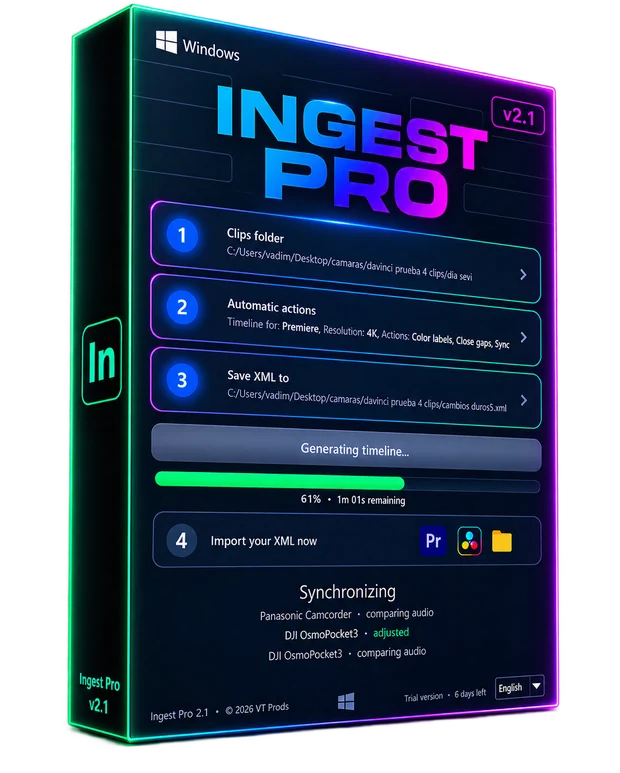
Ingest Pro · Windows

Build the shoot day. One XML, ready to edit.

The app reads the folder with the clips from all your cameras and writes an XML with the day already built. You open it in Premiere Pro or DaVinci Resolve and start cutting.

Windows 10 and 11 · 14-day trial, no card · v2.1.7

On your phone?

Our apps are for computers. Leave your email and we'll send you a link to this page so you can see it and download them on your computer.

We only use it for this email: we won't add you to any list. Privacy.

Windows 10 and 11 only. Not compatible with macOS.
Build the shoot day. One XML, ready to edit.

What it does

Everything runs on your own machine, in a matter of seconds, without uploading your clips anywhere.

1

Reads the metadata

The real recording date and time of every clip, plus camera model, resolution and audio channels.

2

Rebuilds the timeline

Every camera on its own track, in chronological order and with the real gap that happened between takes.

3

Writes an XML

FCP7 format, ready for Premiere Pro and DaVinci Resolve. It never re-encodes or moves your files.

The whole process, on video

A real shoot day: pick the folder, press the button, open the XML in Premiere. No cuts, nothing sped up.

Plans

Both include the same features. The difference is how many machines you can activate with one licence.

Personal

4,99 €/mo
or €3.33/mo paying yearly · 4 months free
  • Every editing feature
  • Audio sync and colour labels
  • 1 machine

Studio

9,99 €/mo
or €6.67/mo paying yearly · 4 months free
  • Everything in Personal
  • Up to 4 machines on one licence
  • For editing teams

Just want to try it? Download the trial → · 14 days, no card

Three steps

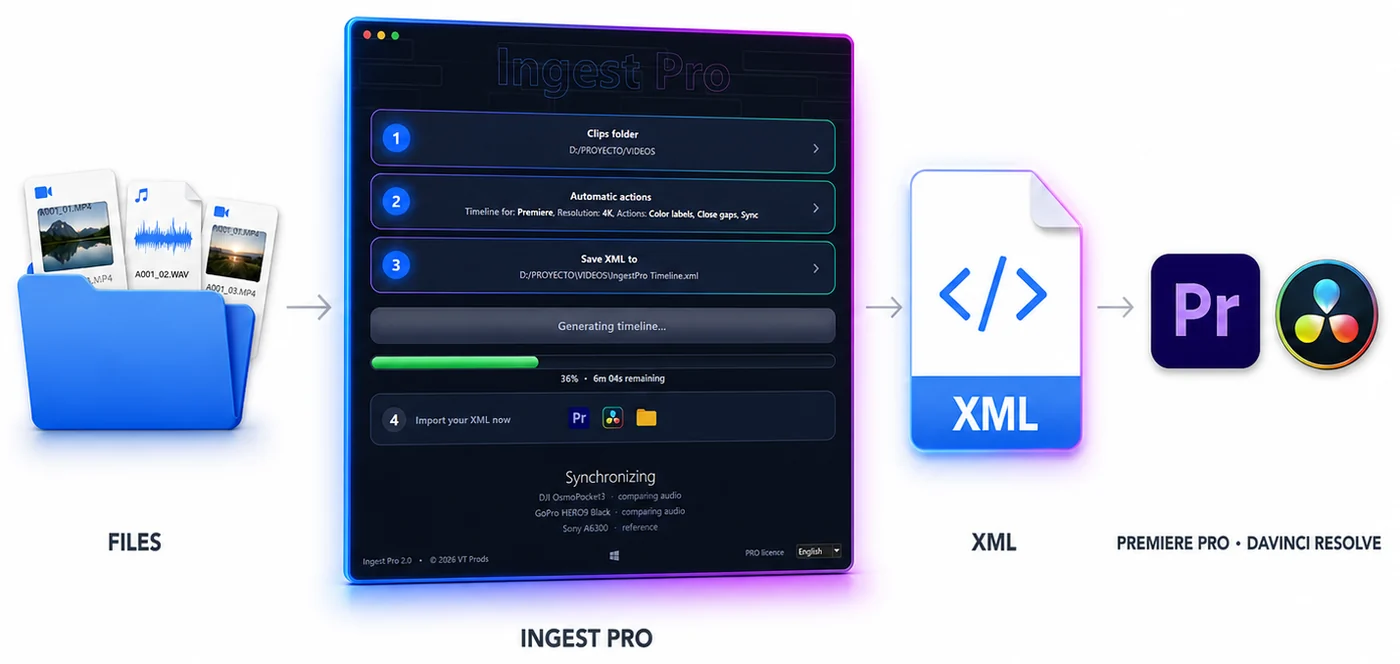
From the clip folder to Ingest Pro, then the XML, opened in Premiere Pro or DaVinci Resolve
1

Pick the folder

The one with the clips from all your cameras.

2

Pick where to save

The path where the XML gets written.

3

Build the timeline

Press the button and import the result.

Activation

After you buy, your key arrives by email. Activate it in three moves:

  1. Install the latest version from this page.
  2. Open Ingest Pro and click “Trial version” in the bottom right corner.
  3. Paste the key and click “Activate”: it switches to PRO right away.

Can't find your key? It's in My account.

What's new

If you already have Ingest Pro, here's whether it's worth updating.

2.1.7September 29, 2026
2.1.6September 29, 2026
2.1.5September 29, 2026