Clock Fix Pro · Free
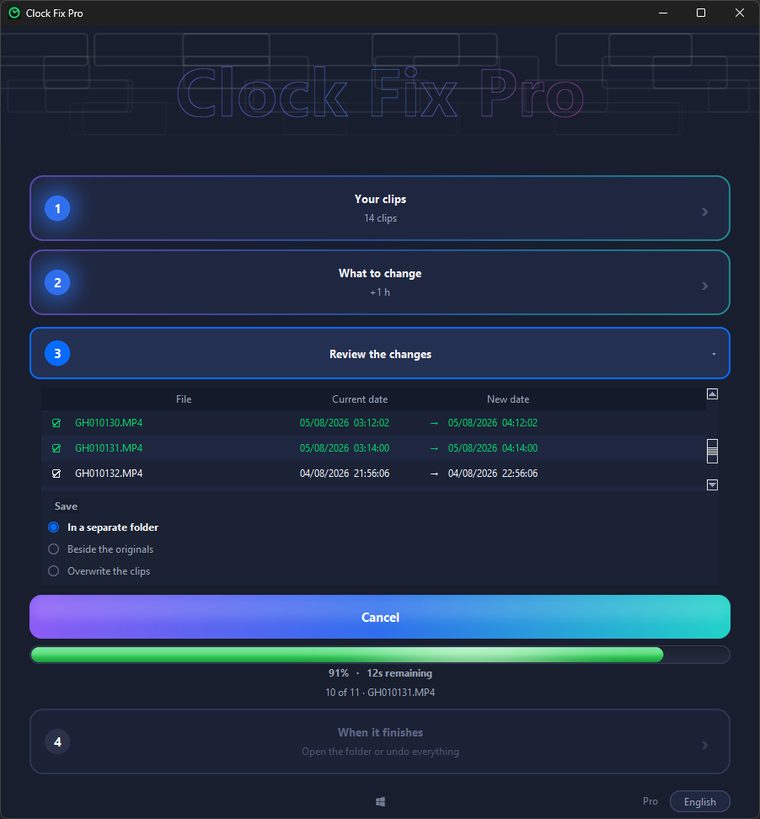
Several cameras, several clocks and none of them agreeing. Clock Fix Pro rewrites the recording date and time inside your clips, in batches, before they go into the edit.
Works on Windows 10 and 11
Free, unlimited clips · no account · v1.0.1
On your phone?
Our apps are for computers. Leave your email and we'll send you a link to this page so you can see it and download them on your computer.
We only use it for this email: we won't add you to any list. Privacy.
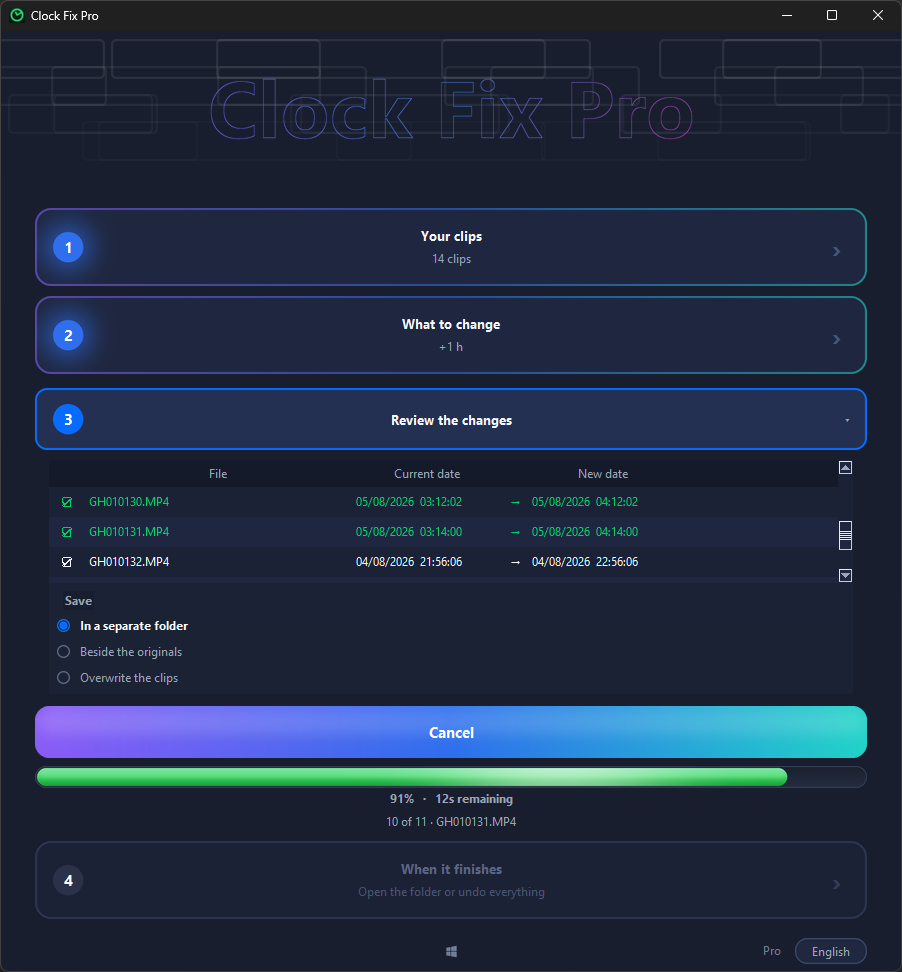
Not the file creation date Windows shows, which changes on its own when you copy. It writes the internal metadata Premiere, DaVinci Resolve and Final Cut actually read: QuickTime CreateDate, MediaCreateDate and the matching EXIF tags.

Drag a whole folder in and every clip gets corrected. Set one date and time for the lot, or add and subtract time over whatever each clip already had — which is what fixes a clock that was three hours behind without losing the gaps.

Only the metadata is rewritten, so there is no re-encoding and no quality loss. It makes a backup first and undo restores the originals exactly.
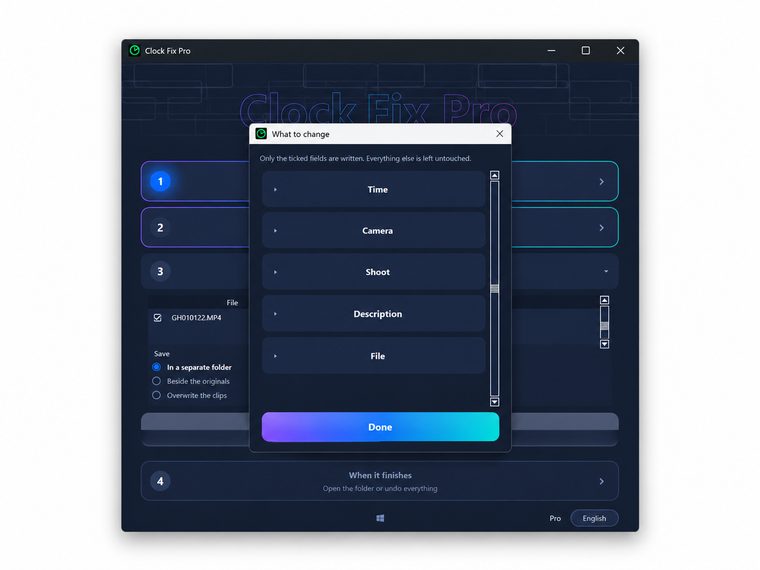
The free plan fixes dates and times with no clip limit, no expiry and no account. Pro adds the rest of the metadata a real shoot needs.
Everything above, plus the rest of the metadata:
Pro unlocks inside the app you already have. Cancel anytime.
Download it, drop a folder in and see the dates it is going to write before writing anything.
You can try it for free before buying. Cancelling renewal stays free at any time, and if the program does not work as described you keep your warranty rights. Refund policy